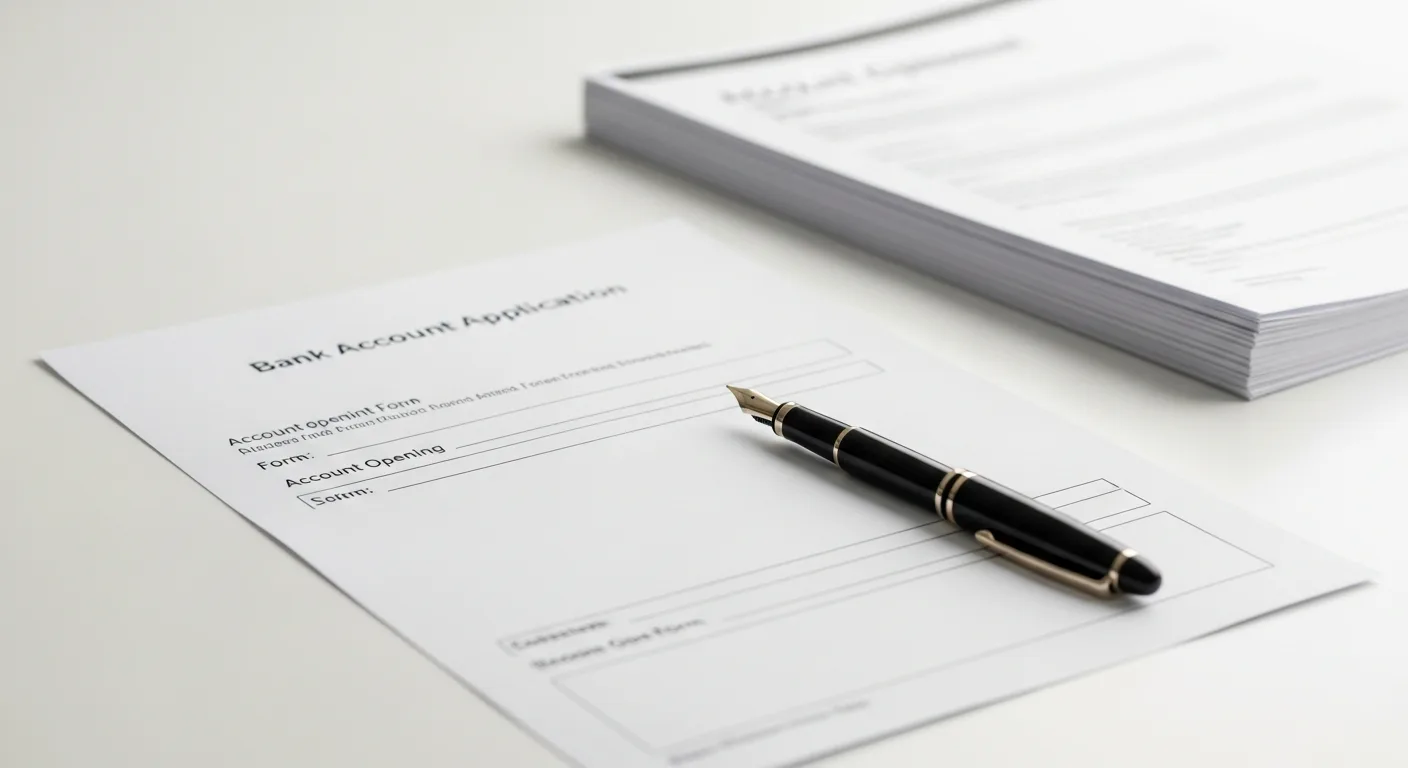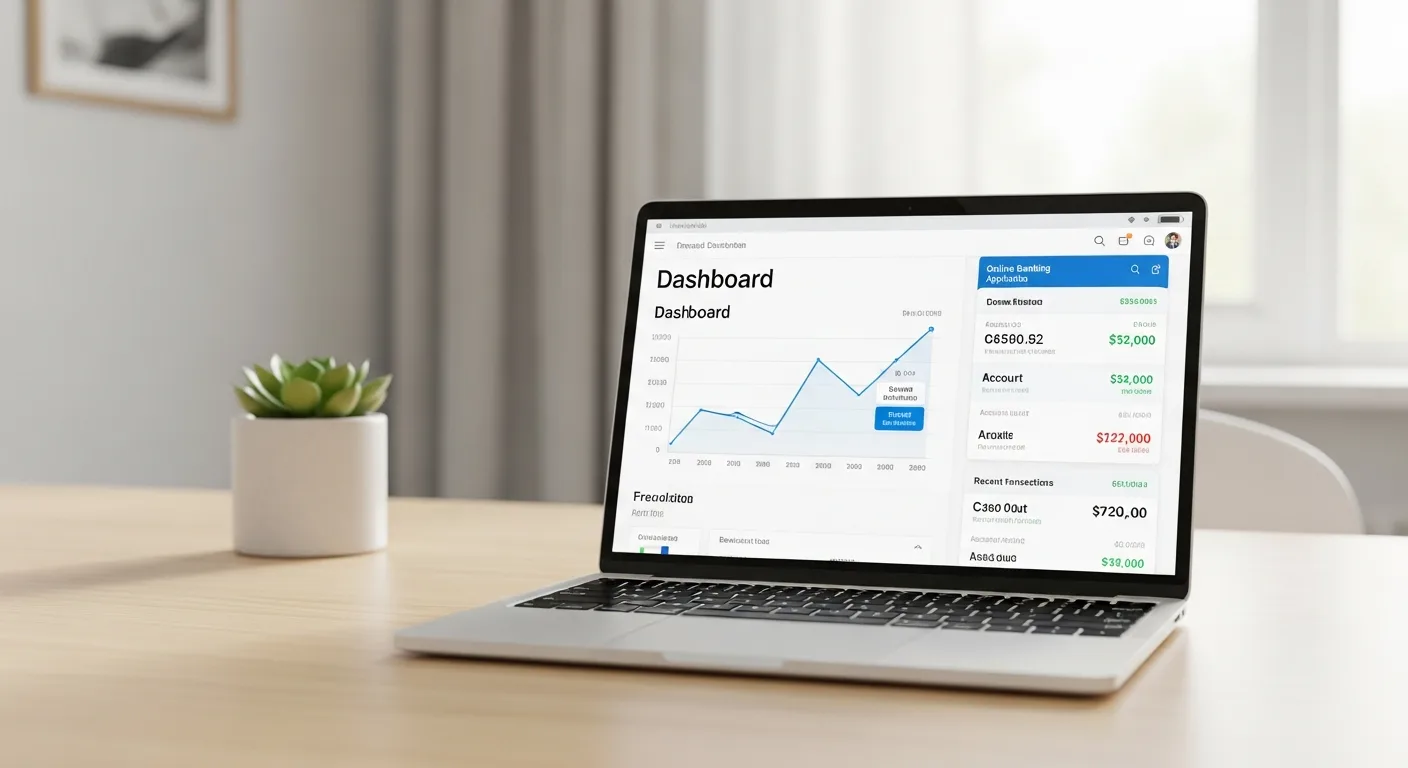
Opening a money market account is one of the most financially impactful moves a saver can make — and it takes less than 15 minutes at most online banks. This step-by-step guide walks you through everything you need to know: what to look for, what documents to gather, and what to do once your account is open.
Key Takeaways
- Most online MMA applications are completed in 10-15 minutes
- You'll need a government-issued ID, Social Security Number, and a way to fund the account
- Compare APY, minimum balance, and fees before choosing an institution
- FDIC/NCUA insurance is essential — verify it before applying
- Setting up automatic recurring deposits is the best way to grow your balance
Step 1: Compare Your Options
Before applying anywhere, spend 15-30 minutes comparing MMAs across at least 3-5 institutions. Look at: APY (the most important factor), minimum opening deposit, monthly maintenance fees, minimum balance to earn the top rate, and transaction limits. See our Best Money Market Accounts guide for a head start.
Pro Tip: Use comparison sites or read our Best Money Market Accounts guide to shortlist options. Focus primarily on APY, but don't ignore minimum balance requirements.
Step 2: Gather Your Documents
- Government-issued photo ID (driver's license or passport)
- Social Security Number (SSN) or Individual Taxpayer Identification Number (ITIN)
- Current address (you may need to verify with a utility bill or bank statement)
- Funding source: routing and account number from an existing bank account, OR a check for the initial deposit
Step 3: Complete the Application
Online applications are standard. Most banks ask for: full legal name, date of birth, Social Security Number, contact information, a security question, and initial funding information. Most applications include a soft credit pull (which does not affect your credit score) and a ChexSystems review.
Step 4: Fund Your Account
You can fund your new MMA via: ACH transfer from an existing bank (1-3 business days), wire transfer (same day, may have fees), or mobile check deposit (if available). Make sure your deposit meets the minimum balance requirement to qualify for the advertised APY.
Step 5: Set Up Online Access
- Download the bank's mobile app
- Set up two-factor authentication (2FA) for security
- Link your primary checking account for easy transfers
- Set up balance alerts (usually by email or text)
- Review and understand your account agreement, fee schedule, and transaction limits
Step 6: Automate Your Savings
| Monthly Auto-Transfer | APY | 1-Year Balance | 3-Year Balance | 5-Year Balance |
|---|---|---|---|---|
| $200 | 5.00% | $2,454 | $7,740 | $13,601 |
| $500 | 5.00% | $6,135 | $19,349 | $34,002 |
| $1,000 | 5.00% | $12,270 | $38,698 | $68,004 |
Next Steps After Opening
Opening a money market account is one of the smartest financial moves you can make with idle cash. The process is simple, fast, and increasingly done entirely online. The key is doing your homework upfront: comparing rates, verifying FDIC coverage, understanding the fee structure, and choosing an institution whose digital tools you're comfortable using long-term.